


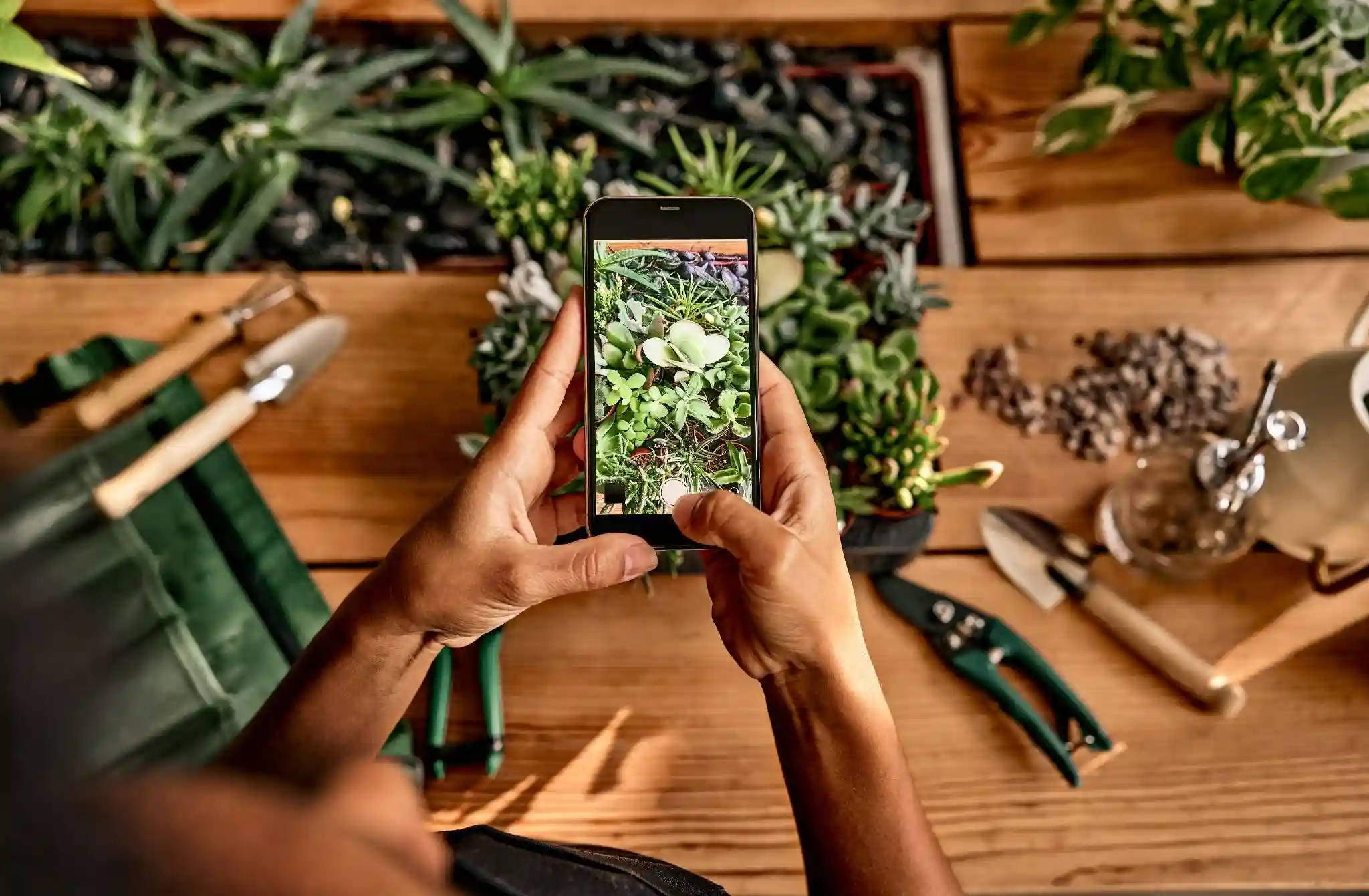
Designing a garden can be one of the most rewarding projects for any plant enthusiast or homeowner. The process involves creativity, planning, and a touch of artistry. However, bringing your vision to life can sometimes feel overwhelming without the right tools. Fortunately, the rise of technology has provided us with a variety of garden design apps that make visualizing and planning your outdoor space easier than ever. In this article, we will explore the best garden design tools and apps available today, examining their features, benefits, and how they can help you create the garden of your dreams.
The Importance of Garden Design
Before we dive into specific tools and apps, let’s discuss why garden design is essential. A well-planned garden not only enhances the aesthetic appeal of your home but also contributes to your mental well-being. Studies have shown that spending time in nature can reduce stress, improve mood, and even enhance cognitive function. A thoughtfully designed garden can provide a peaceful retreat, a space for recreation, and an opportunity to connect with nature.
Creating a Functional Space
Good garden design also means creating a functional space that meets your needs. Whether you want a vegetable garden, a flower garden, or a serene area for relaxation, planning is key. With the right tools, you can visualize how different elements will come together, making it easier to identify what works best for your space.
Top Garden Design Apps
Now that we understand the importance of garden design, let’s explore some of the best garden design apps that can help you plan and visualize your ideas effectively.
1. Garden Planner
Overview Garden Planner is a user-friendly garden design application that allows you to create detailed layouts for your garden. It offers a drag-and-drop interface, making it easy to visualize your space.
Features With Garden Planner, you can choose from a wide array of plants, trees, and structures. The app also enables you to customize the size and shape of your garden beds, pathways, and other features. One of its significant advantages is the ability to see how plants will grow over time, helping you make informed decisions about spacing and placement.
Real-Life Example A homeowner named Sarah used Garden Planner to redesign her backyard. She was unsure about how to arrange her flower beds and vegetable plots. By using the app, she could experiment with different layouts and see how the plants would fit together. After finalizing her design, she reported that the actual planting went smoothly, and she loved the outcome.
2. SmartGardener
Overview SmartGardener is an online garden planning tool that focuses on vegetable gardening. It allows users to create personalized garden plans based on their preferences and available space.
Features The app provides customized planting schedules, reminders, and tips tailored to your specific vegetables. It also helps you track your garden’s progress, including plant health and harvest times. Users can connect with a community of gardeners for advice and inspiration.
Expert Insight Gardening expert and author Joe Lamp’l states, “SmartGardener is a fantastic resource for novice and experienced gardeners alike. It simplifies the planning process and ensures you stay on track with your gardening goals.”
3. iScape
Overview iScape is a mobile app that allows users to visualize their garden designs using augmented reality (AR). This innovative approach makes it easier to see how different plants and features will look in your actual space.
Features With iScape, users can take a photo of their yard and overlay different plants, trees, and hardscape elements in real time. This feature allows for a highly interactive design experience, enabling users to experiment with various ideas before making final decisions.
Real-Life Example A landscape designer named Mark utilized iScape to present ideas to his clients. By showing them how different plants would look in their yard through AR, he was able to gain their trust and finalize designs much faster than with traditional methods.
4. Garden Design Pro
Overview Garden Design Pro is designed for serious gardeners and professionals, offering advanced features for creating intricate garden plans. It provides a comprehensive set of tools for designing both residential and commercial spaces.
Features The app includes extensive plant databases, allowing users to select plants based on climate, soil type, and other factors. Additionally, it offers features for creating detailed reports and presentations, making it suitable for landscape architects and designers.
Expert Insight According to landscape architect Maria Z., “Garden Design Pro is an invaluable tool for professionals. The ability to generate detailed reports and presentations makes it easier to communicate ideas to clients and stakeholders.”
5. Plan-a-Garden
Overview Plan-a-Garden is an online tool offered by Better Homes & Gardens that allows users to design their gardens easily. The app is particularly user-friendly for beginners.
Features Users can drag and drop plants into their garden layout, and the app provides a library of plants, hardscaping options, and garden accessories. The interactive design makes it easy to visualize how everything will fit together.
Real-Life Example Emily, a first-time gardener, used Plan-a-Garden to design her front yard. With no gardening experience, she found the app’s intuitive interface helpful. After finalizing her design, she felt more confident planting and maintaining her garden.
6. Garden Designer
Overview Garden Designer is a software tool that caters to both amateurs and professionals. This app is known for its comprehensive features and ease of use.
Features Garden Designer allows users to create 2D and 3D designs, providing a realistic view of the garden layout. It also includes a vast library of plants and landscaping objects, enabling users to create detailed and personalized designs.
Expert Insight Gardening coach Lara H. mentions, “Garden Designer’s ability to create 3D visualizations is a game changer. It helps clients see the final product before any work begins, ensuring satisfaction with the design.”
7. Landscape Design Software
Overview Landscape Design Software is a professional-grade tool that provides advanced features for detailed garden planning. It is ideal for landscape architects and designers looking for powerful design capabilities.
Features This software includes features for creating detailed blueprints, 3D renderings, and plant databases. It also allows users to simulate growth over time, which is particularly useful for long-term garden planning.
Real-Life Example A landscape architect named David used Landscape Design Software for a large commercial project. The software’s advanced features helped him present compelling designs to clients, resulting in successful project approvals.
8. VegPlotter
Overview VegPlotter is a specialized garden design app focused on vegetable gardening. It helps users plan and visualize their vegetable plots, making it easier to optimize space and productivity.
Features The app allows users to create raised beds, row gardens, and companion planting layouts. It also provides planting schedules and reminders, helping gardeners stay organized throughout the growing season.
Expert Insight According to gardening expert Janet P., “VegPlotter is perfect for vegetable gardeners who want to maximize their harvest. The app’s focus on companion planting is a unique feature that sets it apart.”
9. Garden Planner Online
Overview Garden Planner Online is a web-based tool that provides a simple and effective way to design gardens. Whether you’re planning a small backyard or a larger landscape, this app can accommodate your needs.
Features With a user-friendly interface, Garden Planner Online allows you to drag and drop plants, design pathways, and create garden beds. The app also provides an extensive plant library, making it easy to find the right species for your design.
Real-Life Example A community garden coordinator named Laura used Garden Planner Online to involve community members in the design process. By allowing everyone to contribute ideas, she created a space that reflected the community’s needs and preferences.
10. Home Design 3D
Overview Home Design 3D is an all-encompassing design app that includes features for both interior and exterior spaces. It allows users to create detailed landscape designs alongside home layouts.
Features This app provides a range of tools for creating 2D and 3D designs, making it easy to visualize how your garden will integrate with your home. Users can also share their designs with friends or family for feedback.
Expert Insight Home design expert Megan T. states, “Home Design 3D is fantastic for those who want a comprehensive view of their property. It helps users see how their garden and home work together in harmony.”
Choosing the Right Garden Design App
With so many options available, it can be challenging to choose the right garden design app for your needs. Here are some factors to consider when making your selection.
Your Gardening Goals
Consider what you want to achieve with your garden design. Are you looking to create a vegetable garden, a flower garden, or a combination of both? Some apps are better suited for specific types of gardening, so make sure to choose one that aligns with your goals.
Level of Experience
Your level of gardening experience can also influence your choice of app. Beginners may prefer user-friendly apps with simple interfaces, while experienced gardeners and professionals might benefit from more advanced features and capabilities.
Tips for Designing Your Garden
Using garden design apps can significantly enhance your planning process, but here are additional tips to consider when designing your garden.
Start with a Plan
Before diving into the details, take some time to outline your goals and vision for the garden. Consider factors like space, sunlight, and soil quality, which will influence your design decisions.
Experiment with Layouts
Don’t be afraid to experiment with different layouts and plant combinations. Most garden design apps allow you to make changes easily, so take advantage of this feature to explore various ideas.
Consider Maintenance
When selecting plants and designing your garden, consider how much time you can dedicate to maintenance. Some plants require more care than others, so choose varieties that fit your lifestyle.
Stay Informed
Gardening is an ever-evolving field, with new techniques and trends emerging regularly. Stay informed by reading articles, attending workshops, and following gardening experts to enhance your knowledge.
Conclusion: Bringing Your Garden Vision to Life
Designing a garden can be an exciting and fulfilling project, especially with the right tools and apps at your disposal. From intuitive interfaces to advanced features, garden design apps provide the resources needed to visualize and plan your dream garden effectively.
By exploring the various options available and considering your specific needs, you can find the perfect app to help you create a garden that reflects your personality and meets your goals. Remember, the journey of gardening is not just about the destination; it’s about enjoying the process and connecting with nature along the way.


Leave a Reply